

Walk into any local market in India and ask a shop owner how they take orders. Chances are, the answer involves WhatsApp.
With over 500 million users in India, WhatsApp isn't just a messaging app — it's become a de facto business platform. Millions of Indian businesses use it to showcase products, take orders, handle customer queries, and build relationships with their customers.
But here's the thing: relying on WhatsApp alone for your business has serious limitations. There's no product catalogue that customers can browse independently, no structured ordering system, no payment integration, and no way to track inventory or analyse sales data.
The smartest approach in 2026 is to combine WhatsApp with a proper online store — using each platform for what it does best. This guide shows you how.
WhatsApp's Dominance in Indian Commerce
India is WhatsApp's largest market by a massive margin. Some context on how deeply WhatsApp is embedded in Indian commerce:
- 500+ million users — nearly half the country's population uses WhatsApp regularly.
- WhatsApp Business has been widely adopted by small businesses across India, from kirana stores to clothing boutiques to home bakers.
- For many small businesses, WhatsApp is their only digital sales channel. They share product photos in status updates, take orders via chat, and send payment links manually.
- Customers are comfortable with WhatsApp. They trust it. They already use it 20+ times a day. There's no app to download, no account to create — just a message.
This is why any e-commerce platform targeting Indian businesses needs to account for WhatsApp. Ignoring it means ignoring how business actually happens on the ground.
Three Models of WhatsApp Selling

Indian businesses use WhatsApp for selling in three distinct ways. Understanding which model fits your business is the first step:
Model 1: Pure WhatsApp (No Website)
The business has no website. Products are shared via WhatsApp status updates, group messages, and individual chats. Customers reply with what they want, the seller confirms availability and price, and payment happens via UPI or cash on delivery.
Pros: Zero setup cost, familiar to both seller and buyer, personal touch.
Cons: No product catalogue for customers to browse, difficult to scale, no order tracking, no inventory management, easy to miss messages, no analytics.
Model 2: Website + WhatsApp Ordering
The business has an online store where customers can browse products, categories, and prices. But instead of a traditional checkout, the "order" button sends the customer's selections to the seller's WhatsApp number. The seller then confirms the order, arranges payment, and handles delivery.
Pros: Professional product catalogue, customers can browse independently, structured product information, but still the personal WhatsApp touch for ordering.
Cons: Manual order processing, no automated payment, limited analytics.
Model 3: Website + Full Cart + WhatsApp for Support
The business has a full online store with shopping cart, online checkout, and payment processing. WhatsApp is used for customer support, order updates, and marketing — not for taking orders.
Pros: Fully automated ordering, payment, and tracking. Scalable. WhatsApp used where it's most effective (relationship building and support).
Cons: Less personal touch at the ordering stage, requires payment gateway setup.
Most Indian businesses start with Model 1, graduate to Model 2 as they grow, and eventually move to Model 3 when they're ready to scale. The key is choosing a platform that supports this progression without forcing you to switch tools.
Online Catalogue + WhatsApp Orders: The Sweet Spot
For many Indian small businesses, Model 2 — an online product catalogue with WhatsApp ordering — is the sweet spot. Here's why:
Your Products, Always Available
Instead of repeatedly sharing product photos in WhatsApp status (which expire after 24 hours) or in group chats (where they get buried), you have a permanent, browsable product catalogue at a proper URL. Share the link once, and customers can browse your products anytime.
Professional Presentation
Each product has its own page with multiple images, descriptions, pricing, and variant options (sizes, colours). This is far more professional than a WhatsApp photo with a caption.
Categories and Search
Customers can browse by category, search for specific products, and filter by what they're looking for. Try doing that in a WhatsApp group with 200 product photos.
The Personal Touch Stays
When a customer decides to order, their selection is sent to your WhatsApp. You can confirm availability, suggest alternatives, offer bundle discounts, or simply have a human conversation. This personal touch is something many Indian customers value and expect.
How StoreBase™ Handles This
StoreBase™ has a native WhatsApp ordering mode that does exactly this. When you set your store's order type to "WhatsApp":
- Customers browse your full product catalogue on your store URL.
- They can view product details, select variants (size, colour), and see prices.
- When they tap the order button, their selected items are formatted into a clear WhatsApp message and sent to your number.
- You receive a structured order message with product names, quantities, variants, and customer details.
No coding required. Just enter your WhatsApp number in the admin settings and set the order mode to WhatsApp.
The Dual-Mode Approach: WhatsApp + Cart Checkout
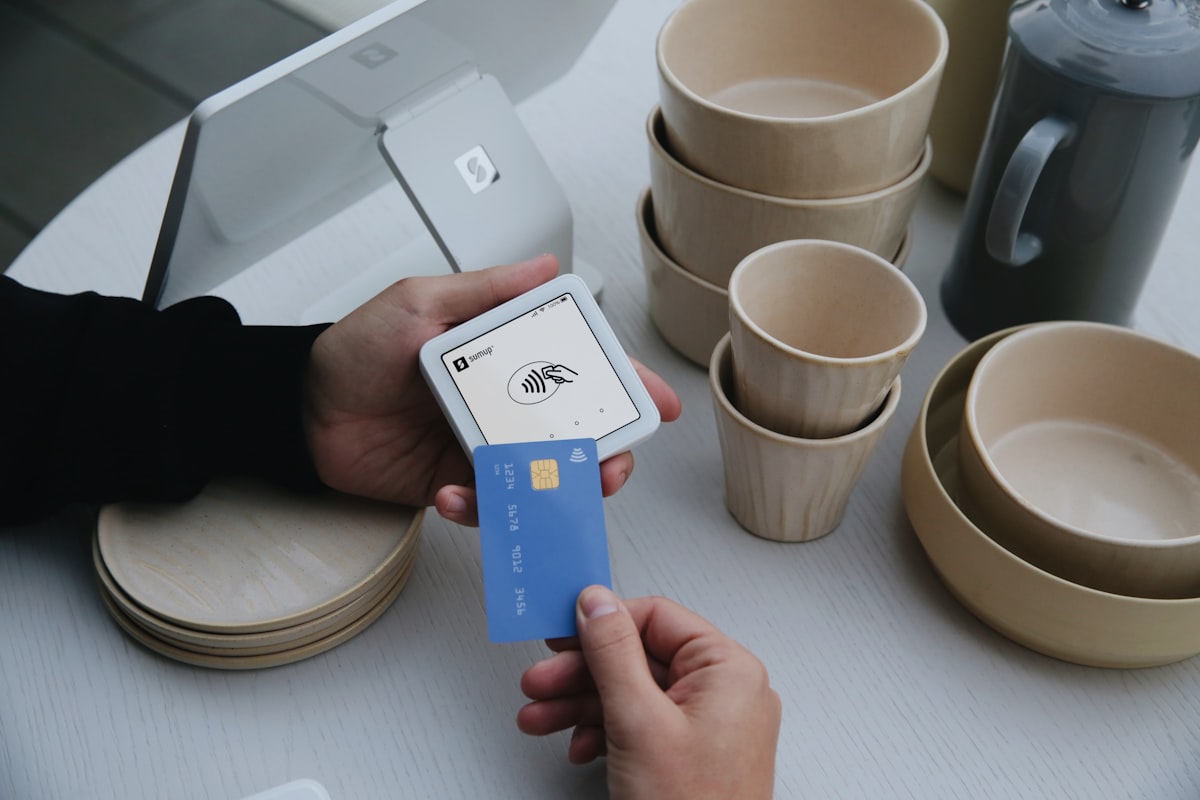
The real power of StoreBase™ is its dual ordering mode. You can switch between WhatsApp ordering and full cart checkout at any time from your admin panel.
Start with WhatsApp
When you're just getting started, WhatsApp ordering keeps things simple. You don't need a payment gateway account, you handle each order personally, and you maintain the personal touch that builds customer loyalty. This is perfect for:
- Home bakers and home chefs
- Custom/made-to-order businesses (tailoring, handicrafts)
- Businesses with a small, loyal customer base
- Sellers who want to test the waters before committing to online payments
Switch to Cart When Ready
As your order volume grows, processing every order manually via WhatsApp becomes a bottleneck. That's when you switch to cart mode:
- Set up a payment gateway (Razorpay, PhonePe, or Cashfree) — takes 1-3 days for KYC
- Enter your API credentials in StoreBase™ admin settings
- Switch order mode from "WhatsApp" to "Cart"
- Your store now has a full shopping cart, checkout flow, and online payment processing
The transition is seamless. Your product catalogue, categories, images, and pricing all stay the same. Only the ordering flow changes.
Use WhatsApp for Everything Else
Even after switching to cart mode, WhatsApp remains a powerful tool for:
- Order updates: "Your order has been shipped! Here's the tracking link."
- Customer support: "Hi, I received the wrong size. Can I exchange it?"
- Re-engagement: "We just got fresh stock of the kurta you liked. Check it out!"
- Feedback: "How was your experience? We'd love a review."
Using WhatsApp for Marketing
WhatsApp is an incredibly effective marketing channel for Indian businesses. Here are proven strategies:
WhatsApp Status Updates
Post daily status updates showcasing new products, offers, or behind-the-scenes content. Your customers see these in their regular WhatsApp feed. Link to your online store so they can browse and buy.
Broadcast Lists
Create broadcast lists of customers who've opted in to receive updates. Send them new arrival notifications, sale announcements, or exclusive offers. Unlike groups, broadcast messages appear as individual messages — more personal, less spammy.
Share Your Store Link
Share your StoreBase™ URL (yourstore.storebase.in or your custom domain) in WhatsApp conversations, status updates, and groups. Unlike sharing individual product photos, a store link gives customers a complete browsing experience.
Product-Specific Sharing
StoreBase™'s social sharing feature makes it easy for customers to share individual products via WhatsApp. Each product page has a share button that generates a clean WhatsApp message with the product name, image, and link. This turns your customers into your marketing team.
WhatsApp Communities
For larger businesses, WhatsApp Communities (groups of groups) can be used to build a customer community. Create separate groups for different product categories or customer segments, all managed under one community.
WhatsApp for Customer Support
Where WhatsApp truly excels is customer support. Here's how to use it effectively:
Quick Query Resolution
Customers can send photos of damaged items, ask about sizing, check availability, or request product recommendations — all through a familiar chat interface. The response time is typically much faster than email.
Order Status Updates
Send proactive order updates via WhatsApp: order confirmed, shipped, out for delivery, delivered. Customers appreciate being kept in the loop without having to check a website.
Returns and Exchanges
Handle returns and exchanges via WhatsApp. Customers can send photos of the issue, and you can coordinate the pickup and replacement in real time. This personal touch builds tremendous loyalty.
Building Relationships
Unlike automated email sequences, WhatsApp conversations feel personal. Remembering a customer's preferences, suggesting products based on previous purchases, or simply wishing them on festivals creates emotional connections that drive repeat business.
WhatsApp Business Features to Use
- Quick replies: Pre-written responses for common questions ("What are your delivery charges?" "How long does delivery take?")
- Labels: Organise conversations by status (New Order, Shipped, Issue, etc.)
- Catalogue: Display a mini product catalogue within WhatsApp Business (though your online store is far more comprehensive)
- Business profile: Include your store URL, business hours, address, and description
Scaling Beyond WhatsApp-Only Sales
If you're currently selling only via WhatsApp and considering setting up a proper online store, here's why it's worth the step up:
Limitations of WhatsApp-Only Selling
- No searchable catalogue: Customers can't browse your products at their convenience.
- No order tracking: Neither you nor the customer can track order status systematically.
- No inventory management: You're manually tracking stock levels.
- No analytics: You don't know which products are popular, what your revenue trends are, or who your best customers are.
- Scalability ceiling: Once you're handling 20+ orders per day via WhatsApp, it becomes chaotic.
- No social proof: No product reviews, no ratings, no trust signals for new customers.
What an Online Store Adds
- 24/7 product discovery: Customers can browse and order anytime, not just when you're available on WhatsApp.
- Automated order processing: Orders come in, payments are processed, confirmations are sent — automatically.
- Professional credibility: A proper website with a custom domain (yourbrand.com) builds trust, especially with new customers.
- SEO and discoverability: Your products can appear in Google search results, bringing in customers who don't know you yet.
- Data and insights: Understand your best-selling products, peak ordering hours, customer demographics, and revenue trends.
- Reviews and social proof: Customer reviews, ratings, and testimonials that influence buying decisions.
The best approach isn't choosing between WhatsApp and an online store — it's using both. StoreBase™ lets you do exactly that, with WhatsApp integrated into the ordering flow.
For a step-by-step guide to getting your store online, read our guide to selling products online with no coding.
Start Selling with WhatsApp + Your Online Store
The combination of a proper online store and WhatsApp is powerful. Your store handles product discovery, cataloguing, and (when you're ready) payments. WhatsApp handles the personal touch — ordering, support, and relationship building.
StoreBase™ is one of the few platforms that natively supports this dual approach. Start with WhatsApp ordering today, and switch to full cart checkout whenever you're ready — without changing platforms.
Explore our plans to get started. Your store can be live in minutes, with WhatsApp ordering enabled from day one.
Questions? Reach out to us — yes, you can even WhatsApp us.
Illustrations by Storyset
Ready to take your business online?
Launch your own online store in minutes. No coding, no hassle. Rs 99/month hosting + 10% of sales, total bill capped at Rs 999/month.
Get Started NowYou might also like
Why We Built StoreBase — Helping Indian Small Businesses Go Online
India has over 60 million small businesses, but most still don't sell online. We built StoreBase to change that — an affordable, India-first e-commerce platform that anyone can use.
6 min readHow to Create an Online Store in India — A Complete Guide for 2026
Learn how to create an online store in India step by step. From choosing the best platform and adding products to setting up UPI payments, GST invoicing, and marketing your store in 2026.
8 min readBest E-Commerce Platforms in India 2026 — An Honest Comparison
Comparing the best e-commerce platforms in India for 2026 — Shopify, WooCommerce, Dukaan, and StoreBase. Pricing, features, and which is right for your business.
10 min read